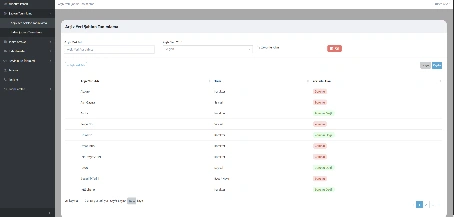
Archive Location Template Definition
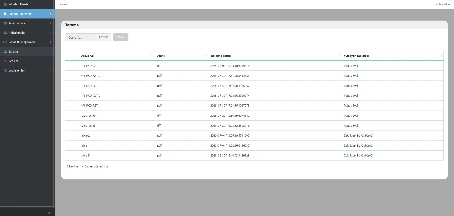
This screen is used to define the fields to be utilized within the institutional archive structure. Users create templates by specifying the archive location name, type and mandatory status.



A corporate solution that manages all your physical and digital documents in a secure, searchable, and standardized digital archive.


Ensures classification, inventory management and secure storage of physical and digital documents.

Supports all common file formats including PDF, TIFF, JPEG, DOCX, XLSX and XML.
Scanned, indexed, reviewed and delivered documents can be reported on a transaction basis.

Fully integrated with EBYS, ERP, KBS, TAKBIS, MERNIS and e-signature services.

Complies with Law No. 5070 and institutional archiving standards.
E-Archive is an enterprise solution that consolidates physical and digital archiving processes within a single platform, enabling the end-to-end digitalization of document management, scanning, indexing, review, delivery and reporting workflows.
With its web-based architecture, archive staff and administrators can monitor all archiving processes in real time, securely manage document access and approval operations through role-based authorization.
By organizing the entire document lifecycle, E-Archive increases information accessibility, eliminates the risk of data loss, and significantly reduces manual workload in archival operations.

This screen is used to define the fields to be utilized within the institutional archive structure. Users create templates by specifying the archive location name, type and mandatory status.
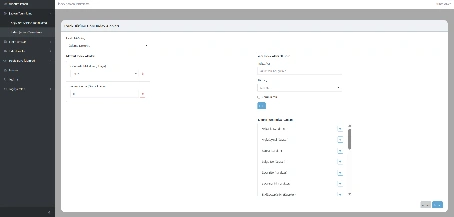
This is the management screen where index fields are defined for different document types. Defined indexes are used as reference fields in search and filtering operations.
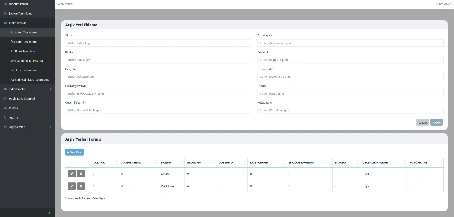
This screen is used to define document storage locations within the institutional archive structure. Registered data is listed in tabular form and can be easily edited or deleted.
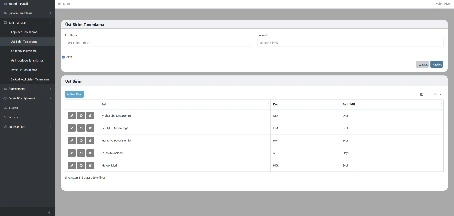
This screen defines the main units within the institutional structure. Defined units are managed by active/passive status and enable hierarchical relationships with subordinate units.
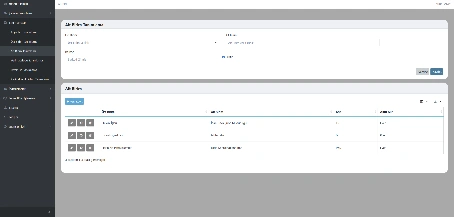
This screen is used to define sub-units associated with parent units. Created sub-units are listed in tables, allowing practical editing and deletion operations.
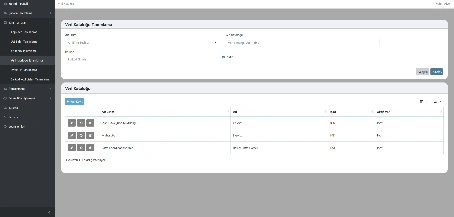
This screen creates data catalogs associated with sub-units. Defined catalogs enable systematic management of data types and content in the system.
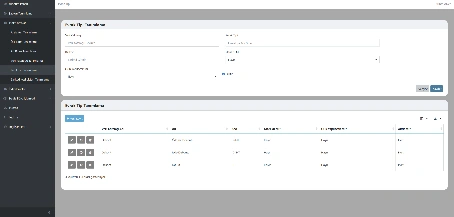
This screen defines document types linked to a data catalog. Documents are classified by type, facilitating search and indexing processes.
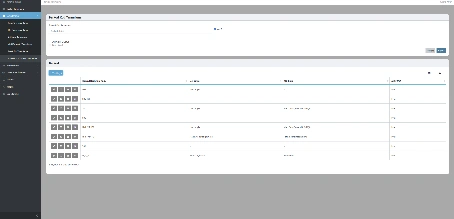
This screen defines barcode codes for documents and organizational units. Defined barcodes accelerate tracking and ensure digital traceability.
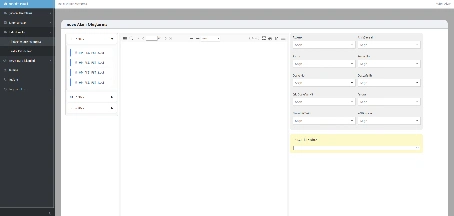
This screen enables uploaded documents to be indexed and transferred into the archive system. Documents are classified according to archive structure and made searchable.
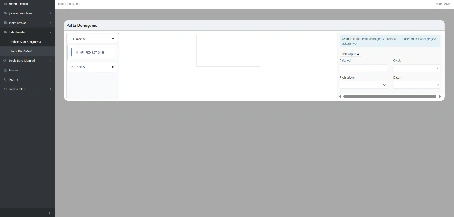
This screen converts TIFF-format maps uploaded after scanning into coordinate-based datasets and enables accurate display in GIS systems.
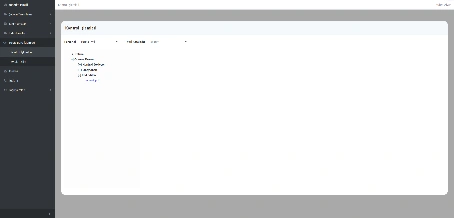
This screen performs accuracy checks after scanning and indexing. Documents are listed under Pending Review, Approved and Rejected statuses.
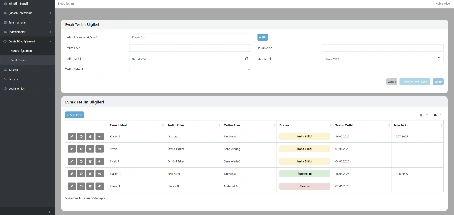
This screen records delivery, return and disposal processes of documents or folders. Statuses are displayed with color-coded labels.
This screen enables physical documents to be transferred into the digital environment. The system lists file name, extension, upload date and uploading user.