
Map-Based City Guide Interface
Key locations, touristic areas, public services, and social facilities are displayed on an interactive map with layer filtering, location search, and media gallery support.



GIS-based city guide and spatial content management system.

Displays all key city locations on a GIS-based map categorized by layers. Supports spatial filtering and location-based search.

Supports SHP, KML, KMZ, GML, GeoJSON, WFS/WMS, and SQL-based data formats. Enables bulk import via Excel/CSV.
Provides category-based content listings, access/usage analytics, and publication status reports.

Integrates with MAKS, TAKBIS, municipal information systems, SMS/e-mail services, and open data services.

Complies with KVKK No. 6698, Municipal Law No. 5393, and e-Municipality standards.
OdakGIS City Guide is a map-based urban information system that consolidates all municipal spatial data into a single platform and presents it to citizens in an accessible and interactive manner.
The system enables users to discover city services through category-based filtering, icon-driven map visualization, detailed information cards, and proximity search capabilities.
The City Guide is not merely a listing interface; it is an integrated digital urban platform that structures, standardizes, and manages municipal spatial content in a centralized way. Citizens can access thematic categories such as healthcare, education, transportation, cultural areas, and social facilities directly on the map.
The system consists of two main layers: Citizen Experience Layer and Municipal Management Layer. This dual-layer architecture provides both an intuitive user experience and centralized content governance.
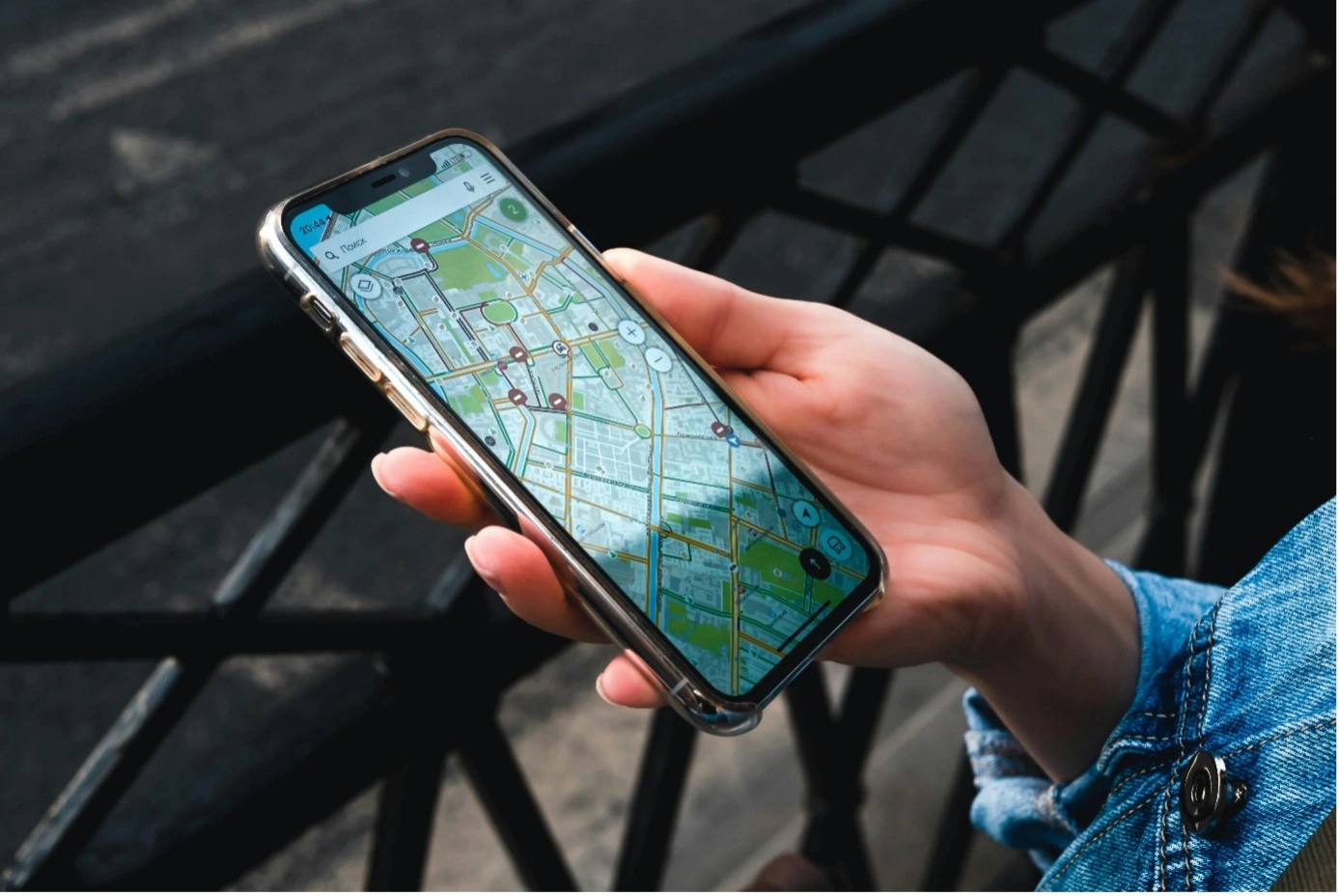
Key locations, touristic areas, public services, and social facilities are displayed on an interactive map with layer filtering, location search, and media gallery support.
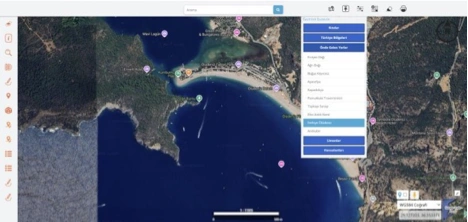
Users can directly navigate to selected cities, landmarks, touristic areas, and predefined points of interest on the map for fast access.
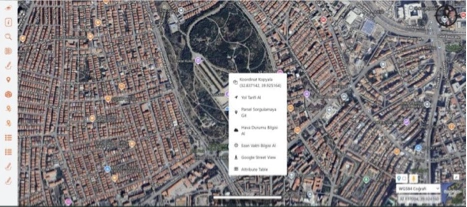
Users can copy coordinates, get directions, query parcels, view weather and prayer times directly from the map interface. Google Street View and attribute table access are supported.
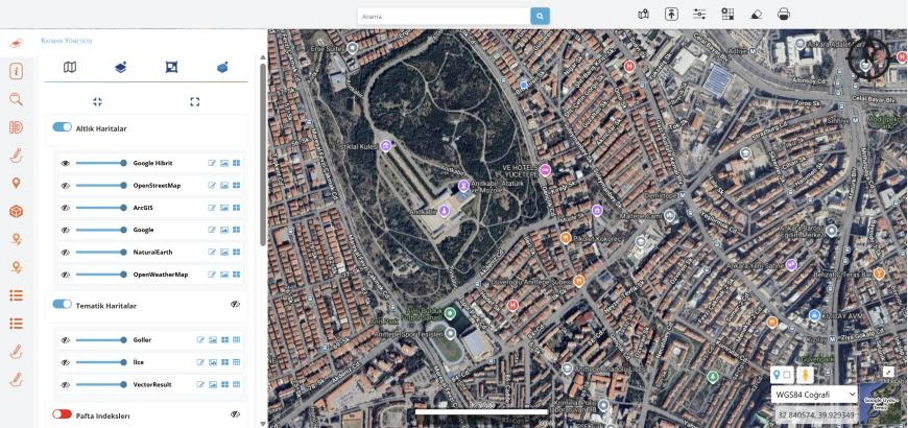
Users can switch between base maps (Google Hybrid, OpenStreetMap, ArcGIS, etc.) and thematic layers. Visibility and transparency controls create a detailed analysis environment.
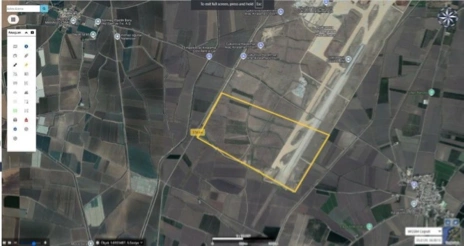
Users can draw areas, boundaries, and polygons on the map, perform measurements, and instantly calculate surface area and location details for planning and analysis.